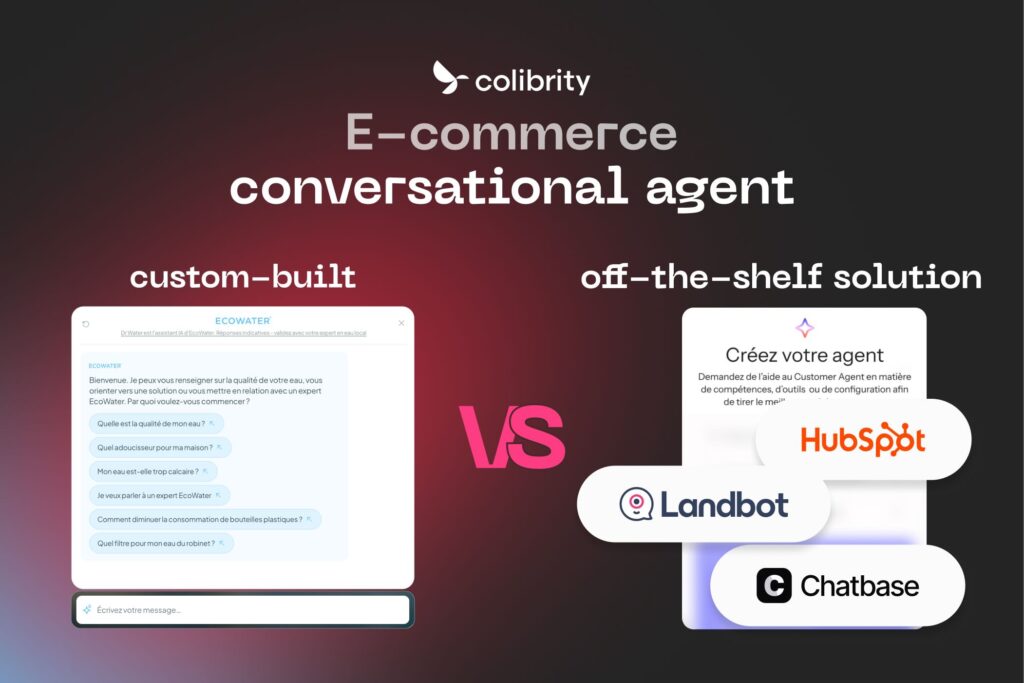
Your website gets traffic, but how many visitors become leads?
On a brand website or a catalog website, the sale doesn’t close online. It goes through a quote request, a meeting, a phone call or a dealer. Visitors browse your product pages, hesitate between several product lines and can’t tell which one fits their needs. The contact form looks long, they don’t call, and they leave without sharing their details. Meanwhile, your sales reps answer the same questions over and over and sort through poorly qualified inquiries.
An AI chatbot on your website advises every visitor, helps them find the right product, qualifies their needs and passes them to the right person with the full context. You can have one custom-built, or use an off-the-shelf tool, either built into a CRM like HubSpot, Salesforce or Zoho, or standalone like Chatbase and Landbot. This article compares the two approaches and helps you choose. For budgets, see How much does a custom AI chatbot cost?
Custom AI chatbot vs. off-the-shelf: the key differences
Several major CRMs now offer their own AI agent: HubSpot with Customer Agent, Salesforce with Agentforce, Zoho with Zia Agents. These tools serve companies of every size, and most of them go live quickly. They run on their own rules, their own ecosystem and their own interface. A custom AI chatbot runs on yours.
| Custom AI chatbot | Off-the-shelf tool (CRM or SaaS) | |
|---|---|---|
| What it brings | An advisory journey modeled on your business, custom UI and UX built into the site (immersive design, 3D avatar depending on the project), widgets designed to convert (product finder, dealer map, guided quote form…), connections to your tools whatever the vendor (as long as they have an API), free choice of AI model, easy A/B tests, fully customizable analytics, code you own (per contract) and hosting of your choice | Fast setup, native access to contacts and pipeline for CRM agents (through Zapier or webhooks for standalone tools), built-in meeting booking and human handoff (to configure depending on the tool), vendor updates |
| Limits | An upfront budget and a few weeks of design and development | Logic and features set by the vendor, an interface you can customize only within its limits, dependence on its ecosystem, usage-based or quota-based billing |
| Best for | Companies whose sales depend on expert advice: technical catalog, many product lines, dealers or installers, quotes, multiple countries, a premium brand image, multiple tools | Companies already using the tool, whose need is to answer, qualify and book meetings in a standard way |
| When | As soon as the chatbot has to carry your sales pitch and the tool no longer fits your journey | When your contacts already live in that tool and its features cover what you need |
A custom chatbot can also connect to your CRM, create contacts and feed the pipeline, while keeping your own advisory logic.
What a custom AI chatbot changes on a brand or catalog website
Colibrity builds custom AI chatbots for companies whose sales depend on expert advice. Compared with an off-the-shelf tool, a custom build makes four differences on a website that doesn’t sell online.
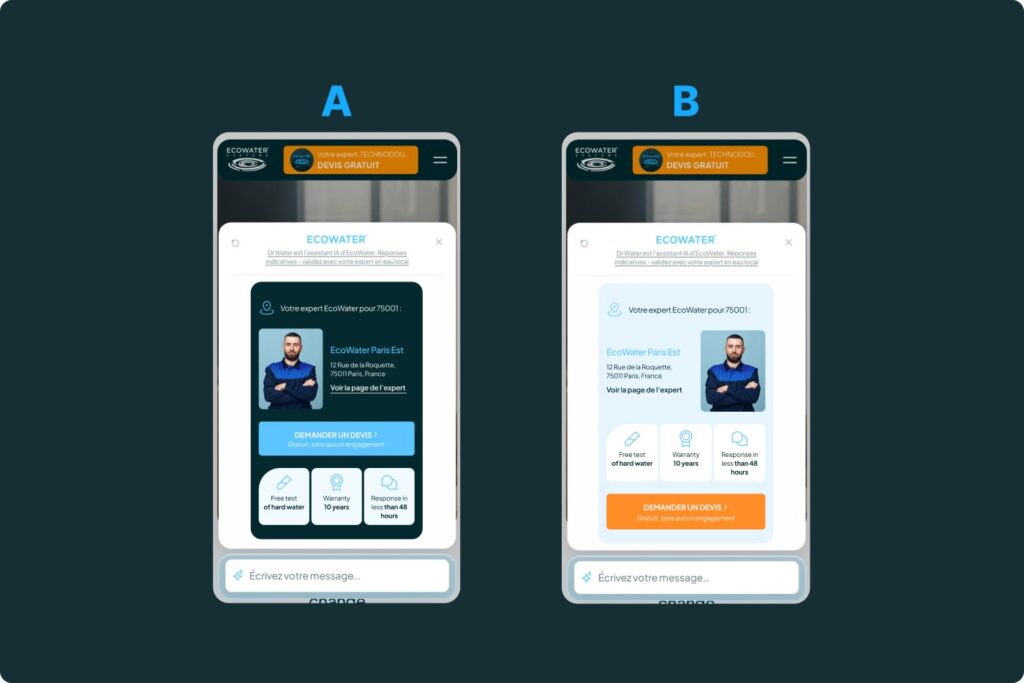
The chatbot shows widgets designed for your journey: a product finder, a product-line comparison, a map of dealers or installers, a quote form filled in as the conversation goes. Visitors move forward without leaving the chat.
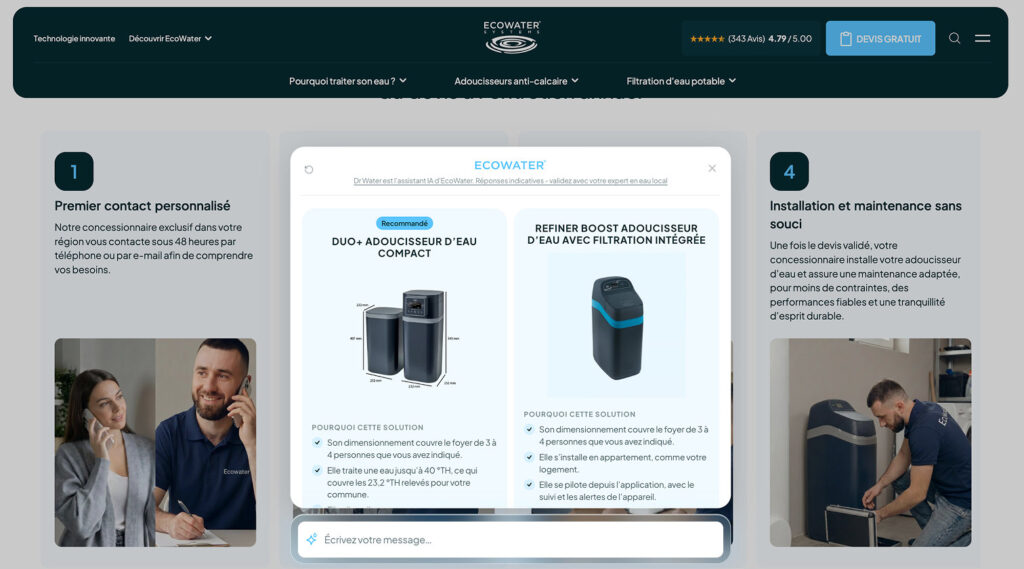
It follows your sales logic: qualifying questions, a different range by country, routing to the right sales rep, dealer or department based on the need expressed.
It plugs into your data wherever it lives: CRM, catalog, PIM, ERP, sales reps’ calendars, dealer database. The lead lands in your CRM already qualified, with a summary of the conversation.
Finally, you keep improving it, with no ceiling set by a subscription. You A/B test questions, widgets and messages, track the metrics you choose, analyze visitors’ real questions and switch AI models when another one offers better quality for the cost.
Custom design for your AI chatbot
Off-the-shelf tools offer a chat window you adapt to your brand guidelines: colors, font, logo, avatar, position, and sometimes CSS or an in-page embed. Zoho SalesIQ goes fairly far with themes and custom CSS, while HubSpot lets you pick the accent color, font and avatar (HubSpot documentation). The structure of the conversation generally stays the vendor’s.
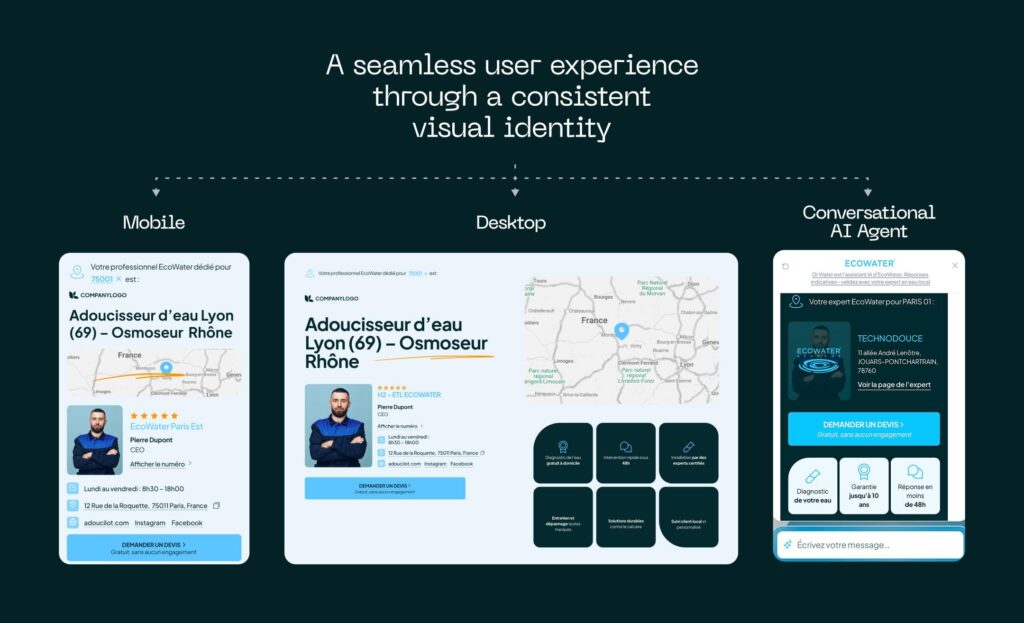
With a custom chatbot, the interface is designed like the rest of the site. The chatbot can open on a buying guide page, sit inside a product or product-line page, guide a configurator or take the shape of a conversational questionnaire that leads to a quote. It uses your fonts, animations and components, so visitors stay in your brand’s world for the whole conversation.
If your brand calls for it, the experience can go further with an immersive design: a 3D environment, animated transitions, products showcased during the conversation. The AI’s answers can even drive a 3D avatar, with its own voice, expressions and gestures, that welcomes and advises visitors around the clock.
Interactive and immersive websites are Colibrity’s original expertise. We bring that know-how to AI chatbots so that talking to the AI makes people want to get in touch.
A custom AI chatbot in practice: the EcoWater example
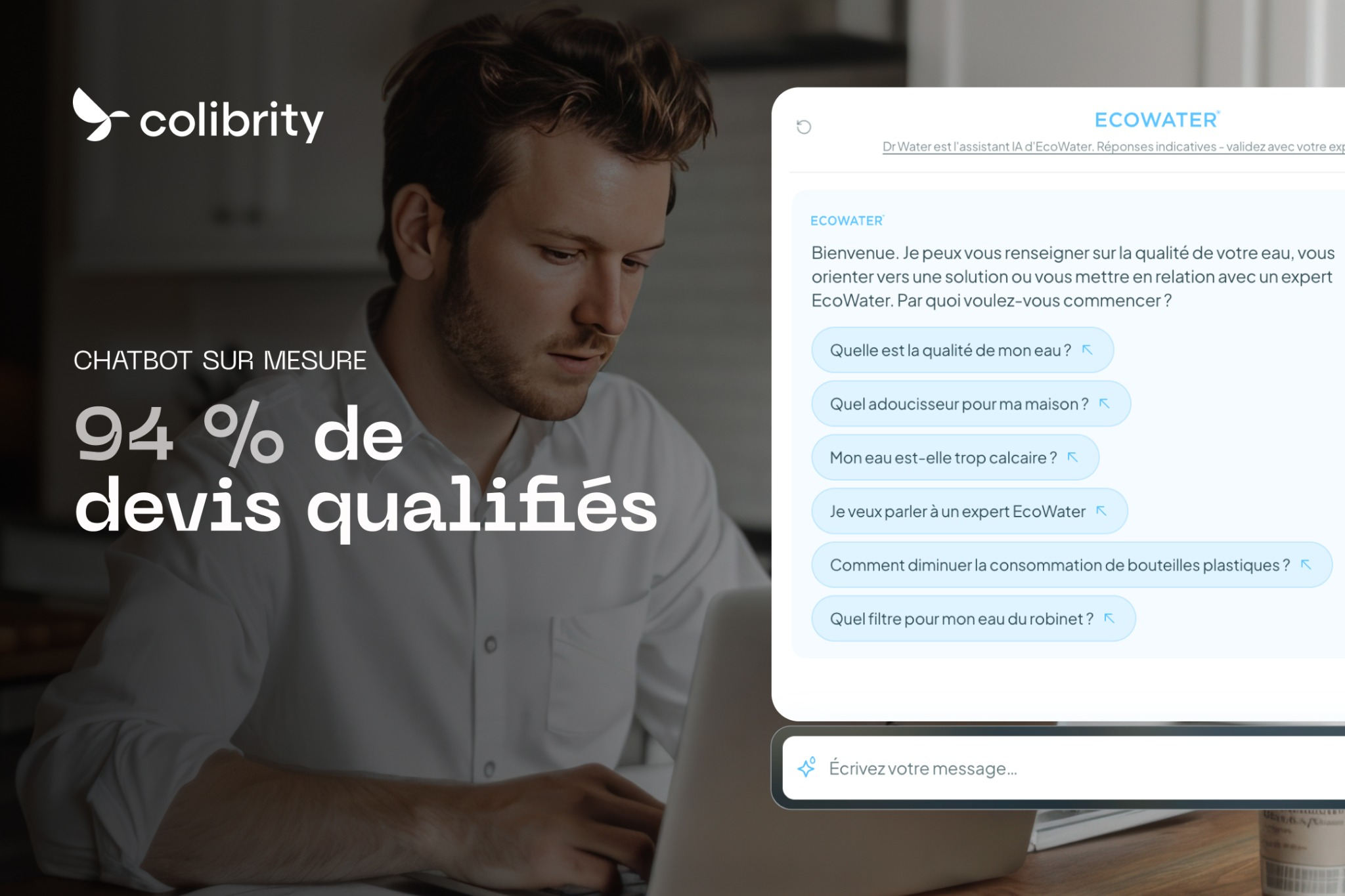
Among the chatbots Colibrity has built, EcoWater’s helps visitors choose the right water treatment solution. Its founder, Lynn Lindsay, patented the world’s first automatic water softener in 1925, and the company is part of Marmon Holdings, a Berkshire Hathaway company. Its range is technical: every household needs advice matched to its water and its usage.
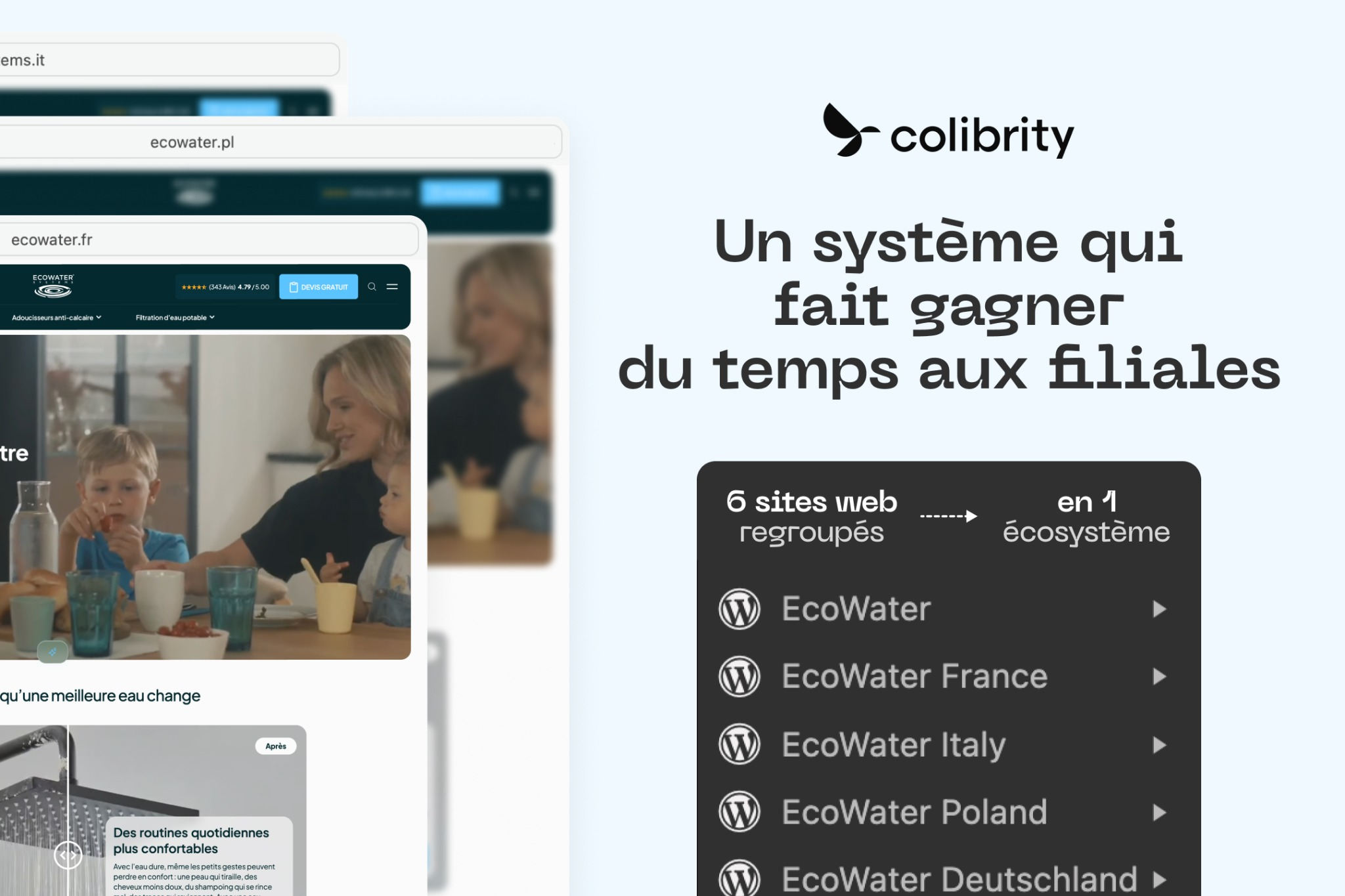
The chatbot shows interactive components designed for EcoWater’s journey, in the site’s colors. It follows the brand’s rules: range and journey by country, routing to the right contact, content specific to each site. Visitors’ real questions are analyzed and grouped by topic to keep improving the answers, and the AI model can change based on quality and cost.
Read the full EcoWater case study
HubSpot, Salesforce, Zoho, Chatbase, Landbot: how the off-the-shelf tools stack up
There are two kinds of tools. HubSpot, Salesforce and Zoho build their agent into a CRM, which makes them effective when your contacts already live there. Chatbase and Landbot are standalone tools you can install quickly on most websites.
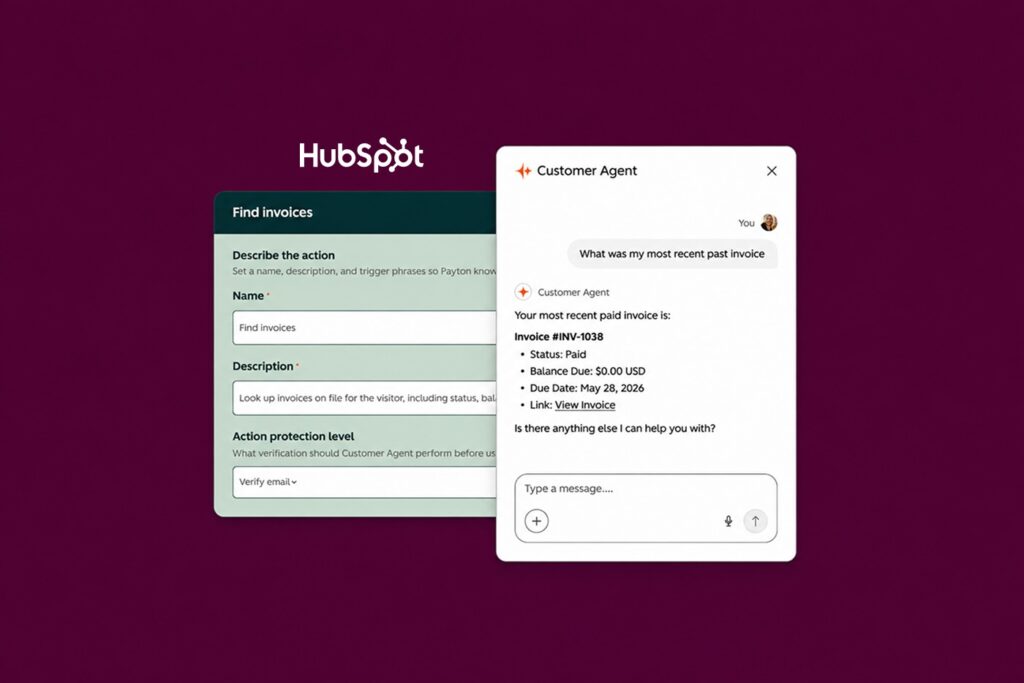
HubSpot Customer Agent
HubSpot builds an AI agent into its CRM, Customer Agent, which is part of its Agent Hub. It answers from your HubSpot content, files and public URLs, and backs each answer with a verifiable source. It can suggest questions to visitors, qualify them on your criteria (a feature still in beta) and offer them the meeting link you choose. It works on website chat, email, WhatsApp, Facebook, forms and phone (beta, inbound calls only), and replies in the language of the visitor’s first message or in the languages you select.
You need a HubSpot Professional or Enterprise subscription, and each resolved conversation uses HubSpot Credits (50 credits, or $0.50 per resolution at the pay-as-you-go rate; voice is $0.50 per minute in beta). A lead qualification also counts as a resolution, whether the lead ends up qualified or not. A 14-day free access lets you try it. You choose its name and its personality (Friendly, Professional, Casual, Empathetic, Witty) or your brand voice (HubSpot documentation). It’s a fit for companies whose marketing and sales already run on HubSpot.
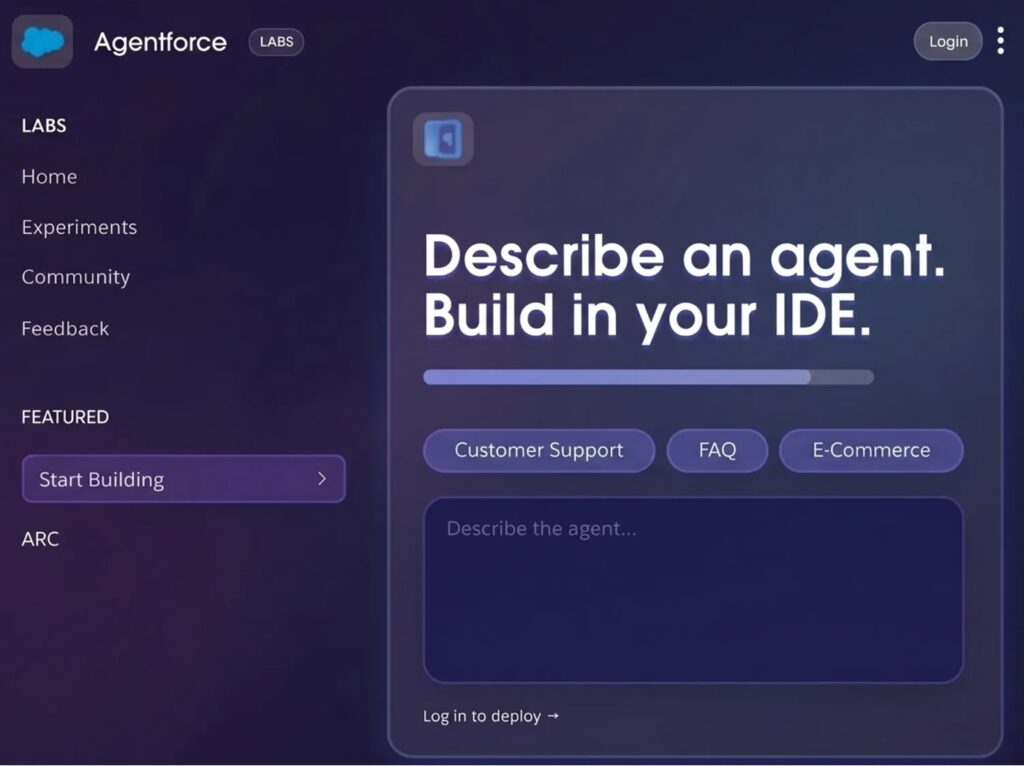
Salesforce Agentforce
Agentforce brings together Salesforce’s AI agents. An agent goes live on a website through Salesforce’s chat and draws on CRM data. On messaging channels (except Experience Cloud sites), it natively shows carousels, buttons, list selectors, links and media cards, and developers can build custom components (documentation). You choose the AI model among those managed by Salesforce (including GPT, Claude and Gemini), per agent or sub-agent; bring-your-own models serve custom actions and prompt templates.
It assumes a Salesforce environment: the Core, Advanced and Max editions announced in September 2026 include Agentforce and a volume of Flex Credits, and add-ons exist for other setups. You also have to set up the chat channel, often with a Salesforce partner. Billing is usage-based ($2 per conversation, or Flex Credits at $500 per 100,000 credits, about $0.10 per standard action), per user, or through the credits included in those editions. Agentforce Observability lets you trace every session and score answer quality. It’s for companies whose sales and customer service already run on Salesforce.
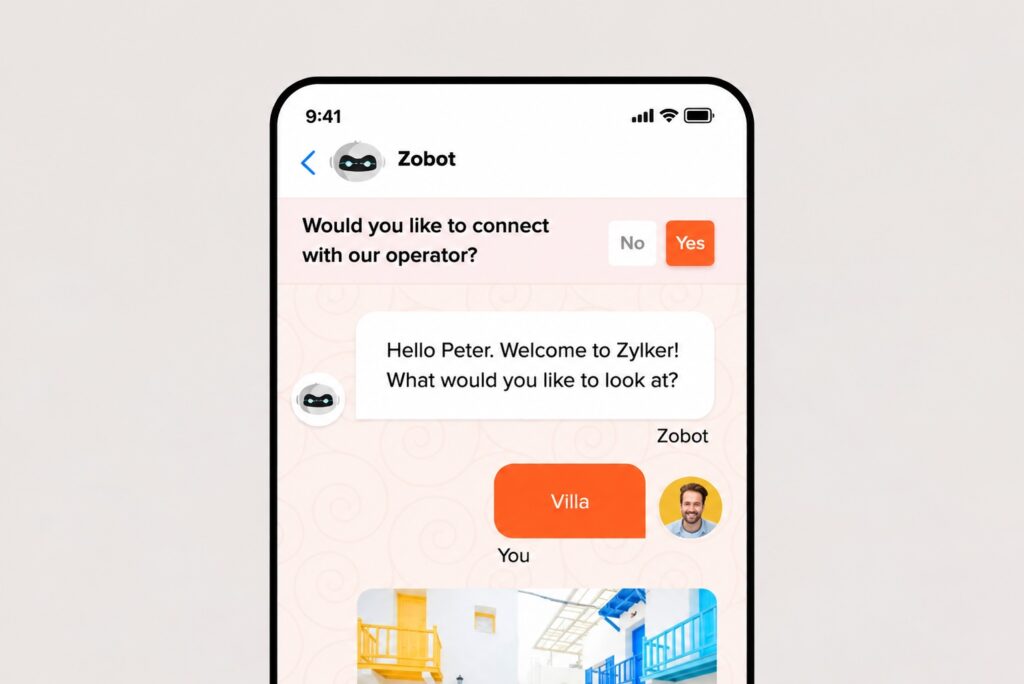
Zoho SalesIQ (Zia Agents)
Zoho SalesIQ is the chat tool in the Zoho suite. Its Zia Agents handle website conversations from a knowledge base and from tools connected to Zoho CRM and Zoho Desk. You set them up in an interface (name, role, instructions, tools, knowledge base, guardrails), and you can use Zoho’s models, OpenAI, or your own key for another model such as Claude or Gemini.
Zia Agents are available from the paid Basic plan: 1 agent on Basic, 3 on Professional and 10 on Enterprise (Zoho SalesIQ pricing). The agents themselves are free: you pay only for model usage, with up to 30 million tokens a month free on Zoho’s standard tier, then credits from an Agent Wallet. With your own key, the model provider bills you directly. SalesIQ offers a 15-day free trial. Handoff to a human isn’t on by default and has to be configured. It’s a fit for companies already using Zoho.
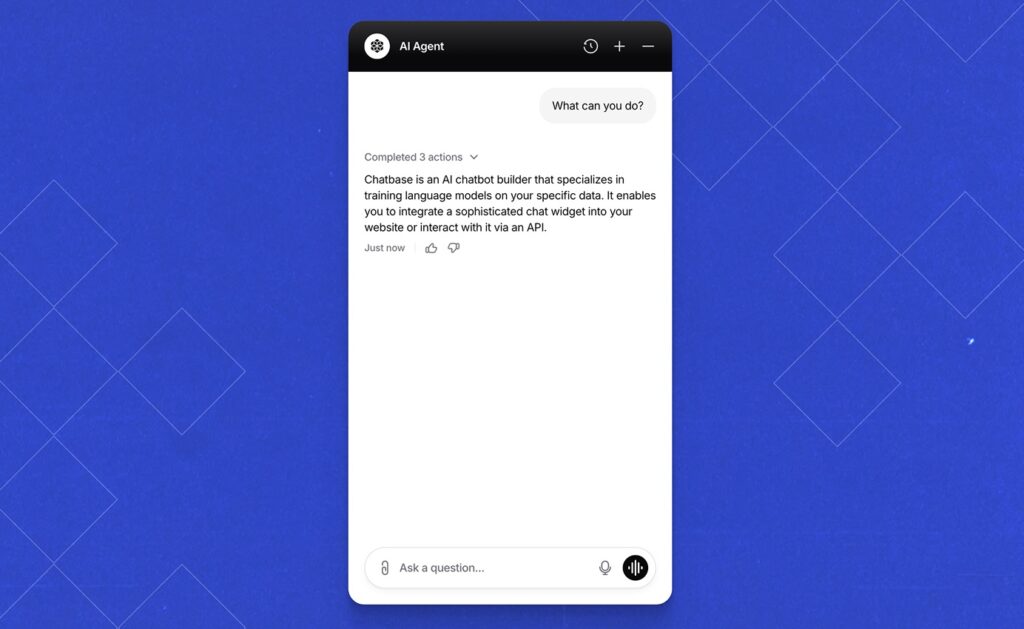
Chatbase
Chatbase is a US company (Chatbase Inc.): you give it your web pages, files, Notion pages or Q&A, and it answers from that content. It can show forms, buttons and suggested messages, book meetings through Calendly or Cal.com, and lets you choose among many models (OpenAI, Anthropic, Google Gemini, DeepSeek, Mistral and others, or Chatbase’s “Auto” mode). It installs quickly on WordPress, Shopify or WhatsApp.
The entry plan, Hobby ($40 per month, or $32 billed yearly), includes 1 agent, 5 AI actions and 40 MB of content; extra agents and storage are paid add-ons. Its HubSpot and Salesforce integrations, available from the Basic plan, mainly serve escalation (HubSpot tickets, Salesforce cases or live chat handoff); sending leads to a CRM goes through Zapier, viaSocket or webhooks. There’s no free plan, only a 7-day trial, and removing “Powered by Chatbase” costs $99 a month. Its analytics cover resolution rate, topics, sentiment and CSAT. It’s a fit for companies that want to test an AI agent on their pages and FAQ quickly.
Landbot
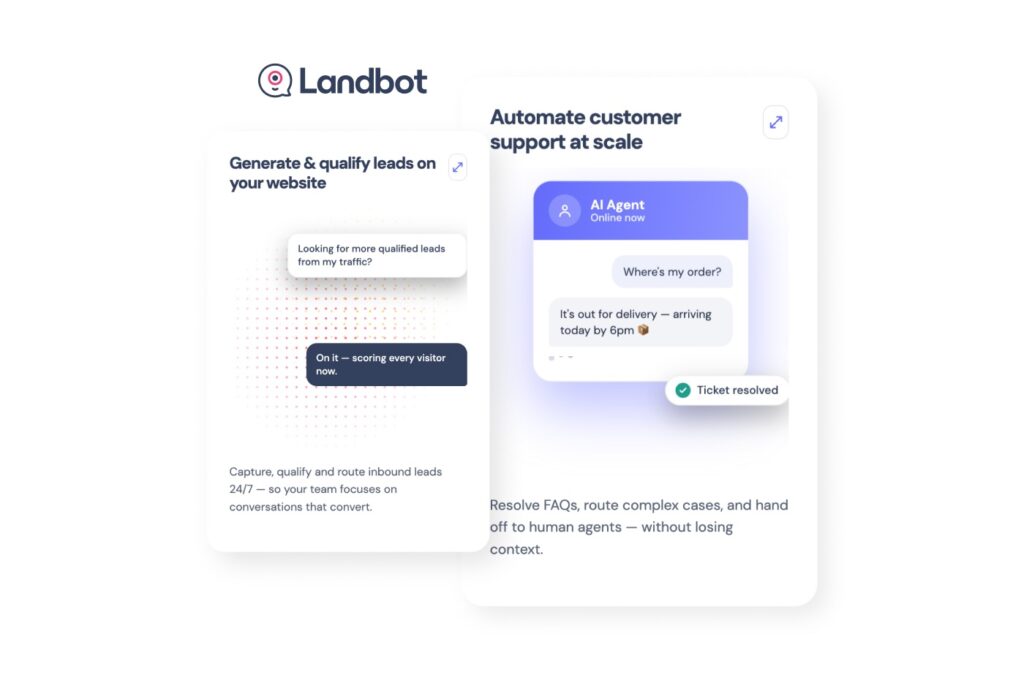
Landbot is a no-code chatbot builder based in Barcelona. You build a rule-based flow, an AI agent, or both in the same bot, in a visual editor. The bot shows buttons, forms, picture choices and ratings, and its AI Agent block includes a lead qualification template that draws on a knowledge base (PDF, DOCX, URLs), with Landbot’s default model or your own OpenAI key. It includes an A/B test block and goes live on your website, WhatsApp and Facebook Messenger.
CRM connections (HubSpot, Salesforce, Pipedrive, Zoho, webhooks) start on the Professional plan. A free plan lets you build and run simple flows (100 chats a month, no AI), and paid plans add AI chats and integrations. On WordPress, you paste its script, since there’s no official plugin. Landbot is a fit for marketing teams that want to qualify leads with a guided journey they manage themselves.
Detailed comparison
| Criteria | Custom AI chatbot | HubSpot | Salesforce Agentforce | Zoho SalesIQ | Chatbase | Landbot |
|---|---|---|---|---|---|---|
| Advisory logic | Yours, defined with you | HubSpot qualification criteria and rules | Agentforce instructions, sub-agents and actions | Zia instructions, tools and guardrails | Instructions + AI actions (5 on the entry plan) | Visual flow, AI agent or both |
| Widgets in the chat | Designed for your journey | Suggested questions, sources, meeting link | Carousels, buttons, list selectors, media cards; custom components by developers | SalesIQ chat window, custom widgets via JS API (beta) | Forms, buttons, suggested messages, meeting booking | Buttons, forms, picture choices, ratings |
| Data used | Your sources (CRM, catalog, ERP…) through their APIs | HubSpot content, files, public URLs, CRM | Salesforce data | Knowledge base and Zoho tools (CRM, Desk…) | Imported content (40 MB on the entry plan) | Knowledge base (PDF, DOCX, URLs) and flows |
| CRM connection | Your CRM, through its API | HubSpot | Salesforce | Zoho | HubSpot or Salesforce tickets (escalation), leads via Zapier, viaSocket or webhooks | HubSpot, Salesforce, Pipedrive, Zoho, webhooks (from Professional) |
| AI model | Your choice, switchable | Managed by HubSpot | Salesforce-managed models, chosen per agent; your own LLM for custom actions | Zoho, OpenAI or your own key (Claude, Gemini…) | GPT, Claude, Gemini, Mistral… or Auto mode | Landbot’s default model or your OpenAI key |
| A/B tests and analytics | Easy A/B tests, fully customizable analytics | HubSpot reports (resolutions, leads) | Agentforce Observability (session traces, quality scores) | SalesIQ reports | Analytics (resolution rate, sentiment, topics, CSAT), display to a share of visitors | Built-in A/B test block, conversion and drop-off by step |
| Code and hosting | Your code (per contract), hosting of your choice | Vendor | Vendor | Vendor | Vendor | Vendor |
| Time to launch | A few weeks (depending on scope) | Fast if you’re already on Pro or Enterprise | A Salesforce project | Fast if you’re already a customer (from Basic) | Fast (no code) | Fast (no code) |
| Design and experience | Custom UI and UX, built into pages, immersive design, 3D avatar depending on the project | Accent color, font, avatar, position | In-page mode, custom components by developers | Colors, themes, logo, avatar, position, font, CSS | Theme, colors, font, icon, position, bubble or embed; paid branding removal | Colors, backgrounds, avatars, custom CSS; branding removal from Professional |
AI chatbot for business websites: which option for which site?
Most off-the-shelf tools are quick to set up. To choose, look at how far each one follows your advisory journey, your design and your data.
When to choose a custom AI chatbot
The chatbot applies your advisory logic, its interface is designed for your site (all the way to immersive design or a 3D avatar), it connects to your tools whatever they are, and you stay in control of A/B tests, analytics, code and hosting. It’s the right choice if your sales depend on expert advice (technical catalog, many product lines, configuration), if they go through dealers, installers or quotes, if you operate in several countries or states, or if the experience on your site is part of your brand image. Plan for a few weeks of design and development and an upfront budget.
When to choose HubSpot Customer Agent
The agent plugs straight into your contacts and pipeline, qualifies visitors on your criteria and offers them your meeting link, on the site as well as by email or WhatsApp. It’s a fit if your marketing and sales already run on HubSpot Professional or Enterprise, and a 14-day free access lets you try it. A custom build becomes worth it when you want business-specific widgets, a deeper advisory journey or an experience that sets you apart.
When to choose Salesforce Agentforce
Agentforce brings the depth of Salesforce data (accounts, opportunities, customer service), rich response formats and a choice of AI models. It makes sense if your sales and customer service already run on Salesforce and you work with a Salesforce team or partner. A custom build takes over when the interface and the journey have to go beyond Salesforce’s framework, without depending on its development.
When to choose Zoho SalesIQ
Zia Agents draw on your knowledge base and Zoho tools, with broad visual customization and the option to use your own AI model. They’re a fit if you already use Zoho and your main need is answering questions and qualifying leads. A custom build takes over when the advisory journey goes beyond what Zoho’s tools allow.
When to choose Chatbase
Chatbase goes live quickly from your pages and FAQ, shows forms and meeting booking, and lets you choose the AI model. It’s a good option to test an AI agent on your site without a development project. A custom build takes over when you hit the plan limits (number of agents, actions, content volume) or when the chatbot has to follow your sales logic.
When to choose Landbot
Landbot lets your team build a guided flow or an AI agent in-house, without code, with a built-in A/B test block and deployment on your website, WhatsApp or Messenger. It’s a fit if your need fits in a lead qualification flow your team wants to manage itself. A custom build takes over when the journey calls for screens, integrations or a design the tool doesn’t offer.
Your site sells online? Read our comparison AI chatbot for e-commerce: custom vs. off-the-shelf.
FAQ
What is an AI chatbot for a website? It’s a program that talks with your visitors in natural language. Powered by AI, it understands the request, draws on your content and can take action: recommend a product, qualify a need, create a contact in the CRM or book a meeting.
Is a CRM chatbot enough for a large company? Yes, if your need follows the usual pattern (answer, qualify, book a meeting): HubSpot and Salesforce serve large organizations. A custom build becomes relevant when your advisory journey, your data or your brand experience go beyond what the tool allows.
Can I keep my CRM and have a custom AI chatbot? Yes. A custom chatbot can create contacts, enrich records and feed the pipeline in HubSpot, Salesforce or Zoho, while following your own advisory logic.
Can I add an AI chatbot to a WordPress site? Yes. HubSpot, Zoho SalesIQ and Chatbase offer a WordPress plugin (Chatbase’s hasn’t been updated in about two years, but its script embeds directly), Agentforce and Landbot install with a script, and a custom chatbot can be delivered as a WordPress plugin, multisite and multilingual ready.
How much does an AI chatbot for a business website cost? We break down the price ranges in How much does a custom AI chatbot cost?
Your custom AI chatbot with Colibrity
Every project starts with discovery: your sales process, your products, your content and the tools to connect (CRM, catalog, internal tools). We then design the chatbot, its widgets, its design and its logic, and keep improving it based on your visitors’ real questions and A/B tests. Tell us about your project, and we’ll tell you whether a custom build is right for you.