Your site is slow, it isn’t converting, you can no longer modify it without calling in a provider, or it can’t accommodate the feature you need right now.
In all of these cases, the diagnosis is the same: your site had a technical ceiling, and you’ve hit it.
That’s the point most website redesign projects miss. Redoing a site while staying under the same ceiling means reproducing the same problem with a newer design – and having to start over again in two years. So the question isn’t “what will my new site look like,” but which ceiling do I need now.
That’s also what explains why two redesign quotes can differ by a factor of ten without either one being dishonest: they’re not talking about the same category of build.
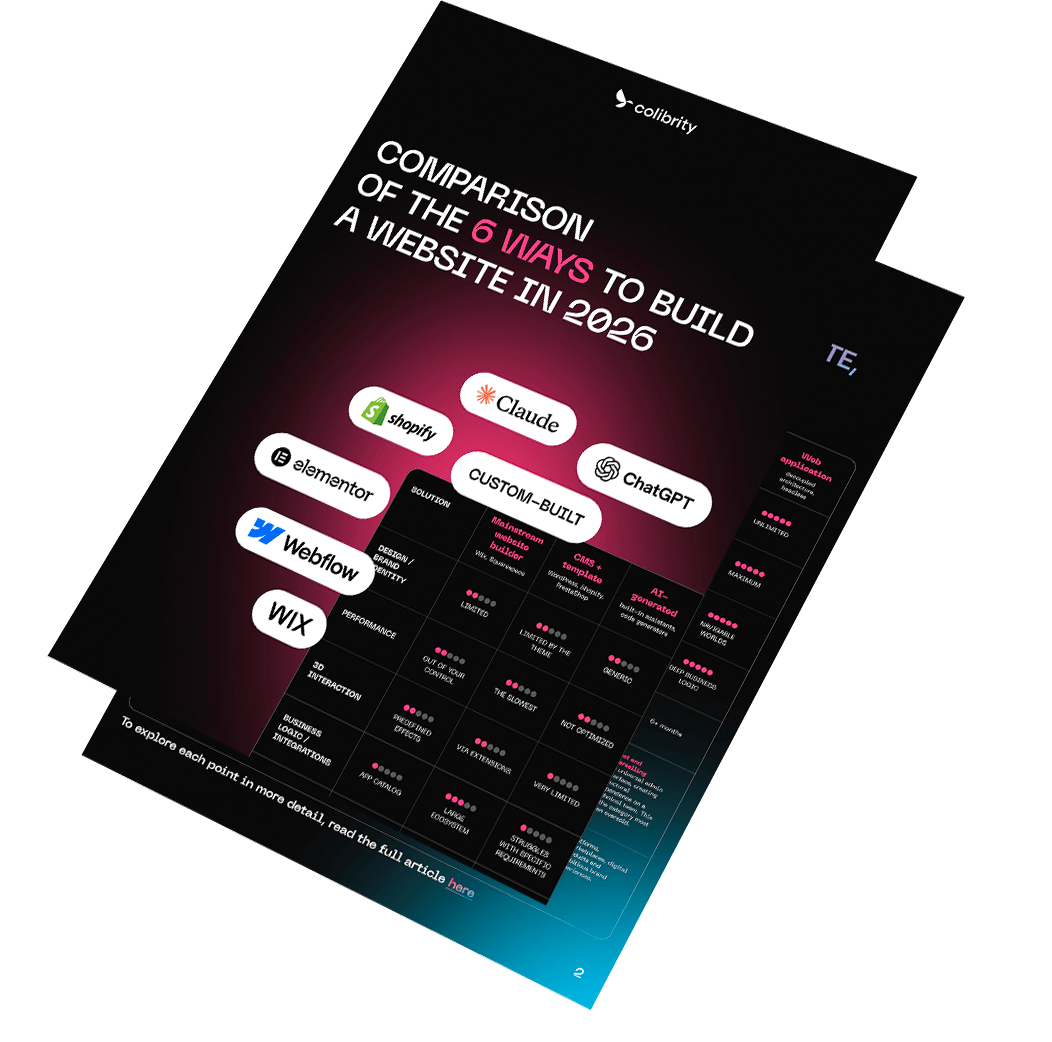
In 2026, there are six fundamentally different ways to build a site. This article describes what each one actually allows – and above all, where each one hits its limit.
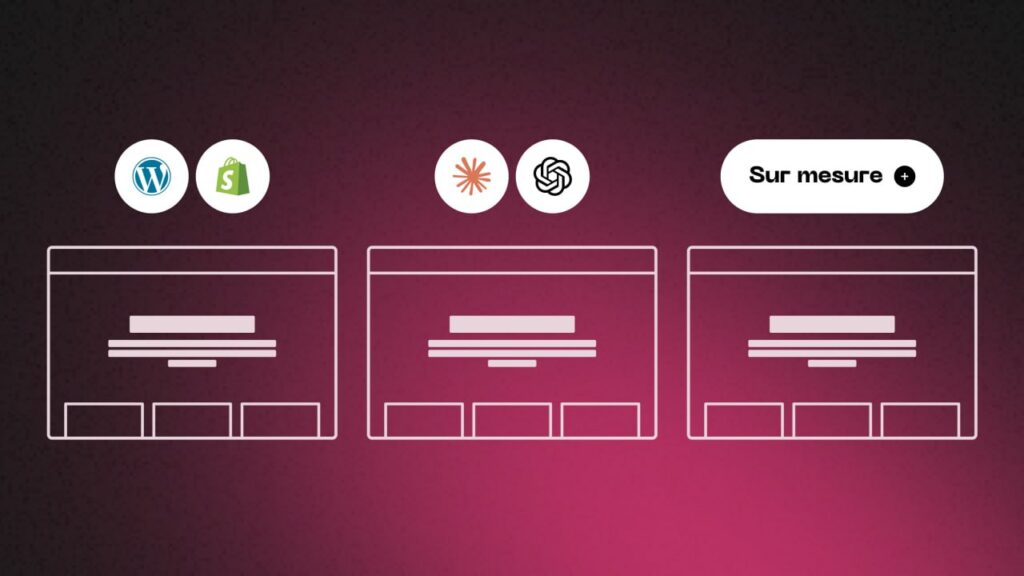
The six ways to build a site in 2026
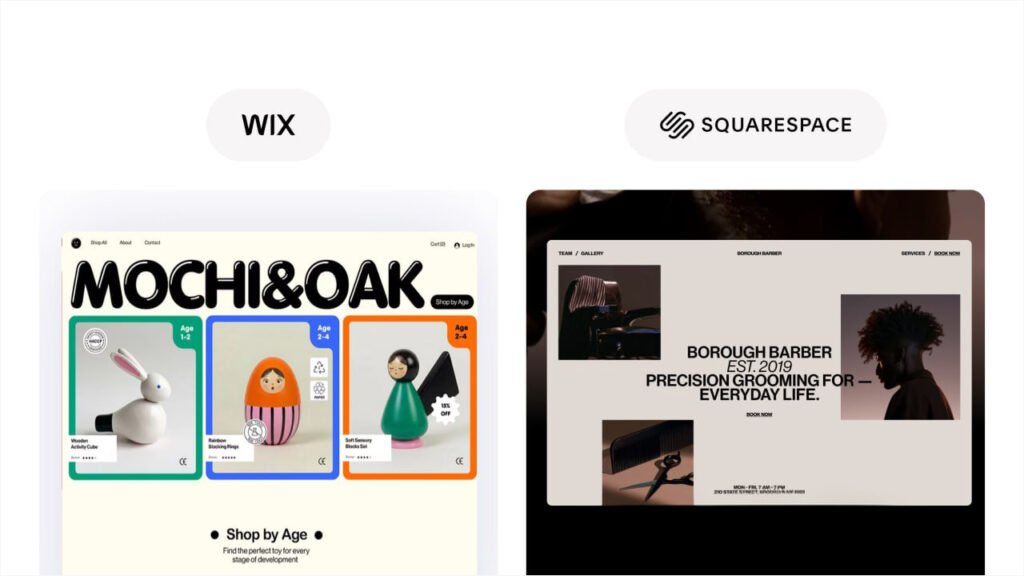
1. Is an editor like Wix or Squarespace enough?
In brief
Yes, if your site just needs to exist without being a sales lever. No, as soon as you need a strong visual identity, controlled speed, or a connection to your business tools.
What it is
Wix, Squarespace, or the entry-level plans from hosting providers. You build your site inside a proprietary interface, with hosting and updates included. There’s no concept of an installable template or accessible code: the tool and the site are one and the same.
What it does well
Getting a site online fast, with no technical skill required, for a minimal upfront cost. For a business that just needs a decent presence and nothing more, it’s a rational choice – and hearing that from an agency is rare.
Where it hits its limit.
- The design is capped by the editor. You stay within the boundaries of what the tool can produce. Any strong identity eventually runs into a wall.
- Performance isn’t in your hands. These platforms load a technical base shared by all their customers. You can’t lighten it.
- No advanced interaction. No 3D, no configurator, no scroll-linked animation beyond a few preset effects.
- Business integrations stop at the app catalog. Connecting your ERP or your specific management software is rarely possible.
- You don’t own the site. The content is exportable, the build isn’t. Leaving means starting over from scratch.
Who it’s for
A local business, a project still in testing phase, a site that just needs to exist without being a sales lever.
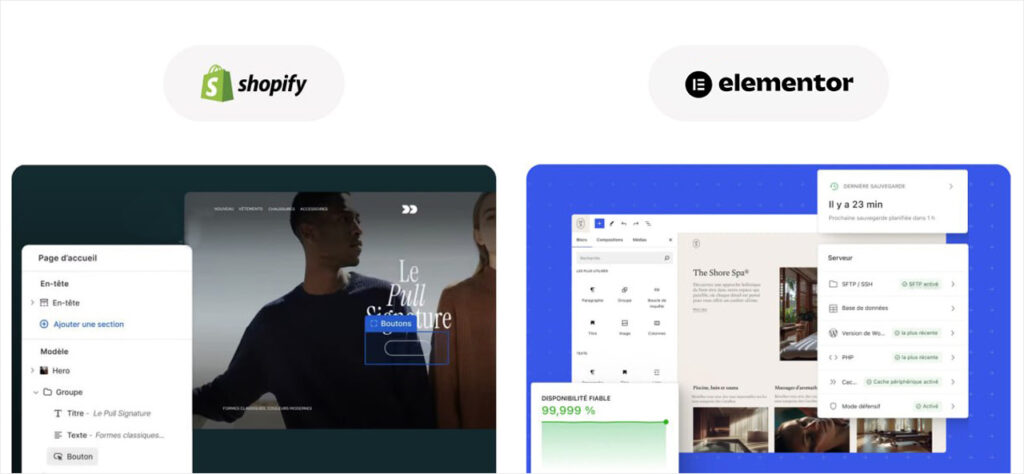
2. Should you go with a CMS and a template, like WordPress or Shopify?
In brief
This is the default choice, and often the right one, for a standard need. Provided you accept a ceiling on performance and customization that nothing will later break through.
What it is
A genuine content management system, on which you install a purchased or free template, then extend it with plugins. This is by far the most widespread category, and it splits into two families:
- Self-hosted open-source CMS: WordPress with Elementor, which dominates the market by a wide margin, but also PrestaShop, Drupal, or Joomla. You install the CMS on your own hosting, choose a theme, and add plugins.
- Hosted CMS with a theme ecosystem: Shopify leads the pack for e-commerce. The platform hosts and maintains the core, you pick a theme from a catalog, and add apps.
The difference between the two families isn’t cosmetic. In the first case, you own the installation and are free to choose your hosting; in the second, you’re renting a core you don’t control, in exchange for genuine technical peace of mind.
What it does well
An unbeatable price-to-value ratio on paper, huge extension ecosystems, quick onboarding for editing content, and skills that are easy to find on the market. For a standard need, it’s the default choice, and often the right one.
Where it hits its limit, regardless of the platform.
- The template is designed for everyone, so it’s designed for no one. It carries dozens of features you’ll never use, and which still load anyway.
- Stacking extensions becomes unmanageable. Every unplanned need gets solved with an extra plugin or app. Past thirty of them, every update becomes a risk and every page gets heavier.
- It’s the slowest configuration on the market. Generic template plus extensions: the performance metrics collapse, and no caching tool can make up for a core that’s too heavy.
- Accessibility rarely holds up. Off-the-shelf templates often claim a compliance level that an audit doesn’t confirm.
- Deep customization ends up costing more than a custom build. Past a certain point, working around a template takes more effort than starting from a clean base.
WordPress-specific limits
Total freedom is also the risk: you’re responsible for updates, security, and hosting. Page builders like Elementor speed up production but generate heavy code that you can never fully shed. The quality of off-the-shelf themes is extremely uneven.
Shopify-specific limits
The checkout flow is barely customizable outside of the high-end plans. Every app adds a monthly subscription and loading weight. Transaction fees apply if you don’t use the built-in payment solution. And the template language heavily constrains business logic: anything outside the standard shop model quickly becomes a stretch. In exchange, reliability and scalability are excellent.
Who it’s for
A standard need, a limited budget, a team that wants to edit content itself without depending on a developer for every small change.
Who it’s for
An SMB with a standard need, a limited budget, and a knowing acceptance of a ceiling on performance and customization.
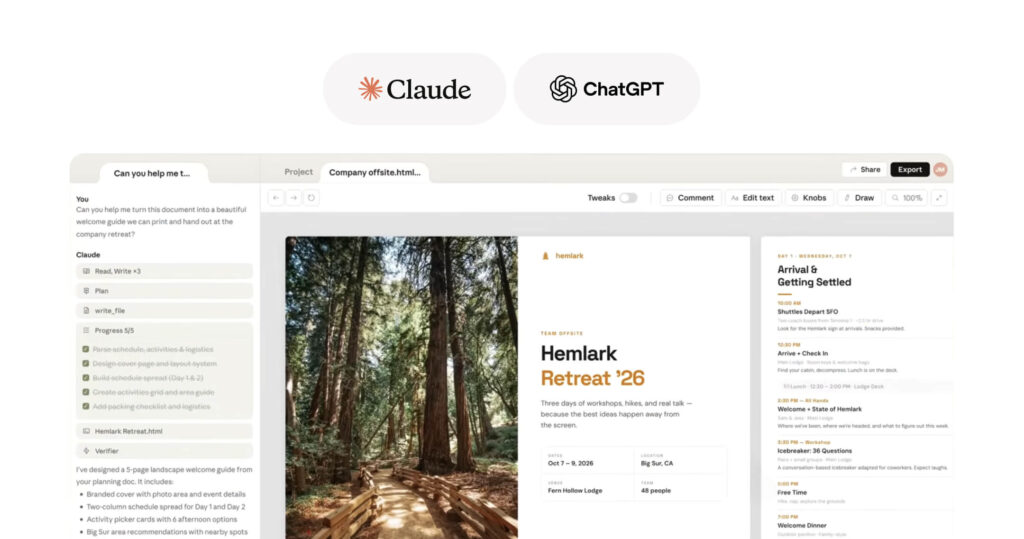
3. Can you have an AI build your website?
In brief
Yes, for a prototype, an event page, or an internal tool. No for a site that carries your brand image and connects to your business tools: the cost isn’t eliminated, it’s shifted from production to cleanup.
What it is
The category that didn’t exist three years ago. You describe your site, and an AI produces it. It covers two very different realities that are essential not to confuse.
- AI generators built into platforms. The mainstream editors have all added an assistant that builds a first version from a few answers. The result stays locked inside the platform: you inherit the ceiling of category 1, just reached faster.
- Code generators. A newer generation of tools produces actual code that you get to keep. Here, the ceiling is no longer the tool’s – it becomes the ceiling of whoever picks up that code afterward.
What it does well
The speed is real, and it would be dishonest to downplay it. Getting a first site structure in a few hours, testing three directions instead of one, validating a concept before committing a budget – that’s a genuine step forward. For a prototype, an event landing page, an internal tool, or a project still to be validated, it’s today the fastest and cheapest way to get something up and running.
Where it hits its limit.
- The demo effect. A site generated in twenty minutes is impressive. The problem shows up on the twenty-first requirement: the specific quirk of your business, the integration with your management software, the particular calculation rule. AI handles the generic very well and stalls on the specific – and it’s the specific that makes you different.
- No one designed the architecture. The generated code works without having been built to last. Without someone to make the calls, you start off with technical debt from day one, and it doesn’t show until the first evolution.
- Performance and accessibility rarely hold up. These are requirements invisible to the naked eye, so they’re absent from what AI optimizes by default. The site looks successful and fails the audit.
- Generated content makes you interchangeable. If the AI writes your pages from public sources, you get the average discourse of your industry. That’s precisely the opposite of what a brand is looking for, and it’s also what search engines and AI search value the least.
- The maintenance question remains wide open. Who fixes the site in eighteen months? The AI documented nothing, and the next provider will have to understand code that nobody actually wrote.
- Security is a blind spot. Generated code rarely validates user input the way it should, especially as soon as there’s a form, a customer account, or payment involved.
The real trap: the cost isn’t eliminated, it’s shifted. Producing becomes nearly free; bringing the result up to production-site standard costs the same as it always did. Many companies discover this gap after the fact, and catching up costs more than a properly scoped project from the start.
A distinction worth making
Using AI to produce a site and using AI during the design of a site are two different things. Every serious technical team today relies on AI daily – to speed up development, generate variants, test, document. That’s not what this category is about. The question isn’t “is there AI in the process,” it’s “who makes the architecture decisions.”
Who it’s for
A prototype, concept validation, an MVP, an internal tool, a short-lived landing page. And, in professional use, as an accelerator within a team that keeps control over the architecture.
Who it’s not for
A site that needs to carry your brand image, hold up over several years, comply with legal obligations, or connect to your business tools.
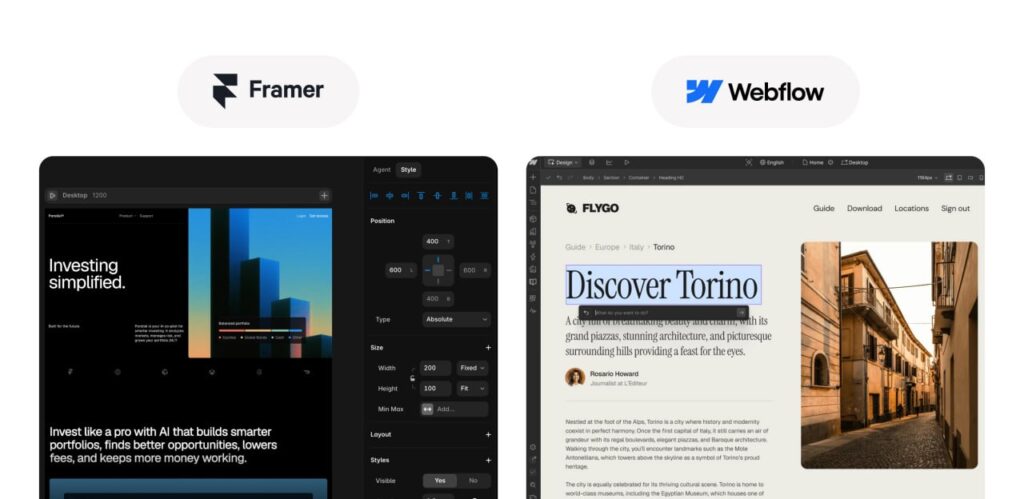
4. How far can advanced no-code, like Webflow or Framer, actually go?
In brief
Very far on design and animation. Much less far on business logic, large content volumes, and real-time 3D.
What it is
Webflow, Framer. A new generation of tools offering visual control close to code, without writing code. The gap with mainstream editors is real.
What it does well
Far greater design freedom than mainstream editors, native and smooth animations, reasonably clean generated code, short production timelines. For a showcase site with demanding visual requirements, it’s a serious option.
Where it hits its limit.
- Business logic remains limited. As soon as you need calculations, complex conditional rules, or a customer portal, the tool becomes a hindrance.
- Content volume has a hard cap. These platforms impose limits on the number of collection items. A large catalog exceeds them.
- Real-time 3D and augmented reality remain out of reach. You can embed external elements, but not finely orchestrate them.
- The dependency is total. Like mainstream editors, exporting doesn’t produce a project someone else can pick up and continue.
- Subscription costs climb with traffic and become significant over the site’s lifetime.
Who it’s for
Startups, brands launching, and showcase sites where design matters more than functional depth.
5. When does a custom-built site actually become justified?
In brief
When you’ve identified a specific ceiling to break through: performance, interaction, compliance, or business integration. Not before – otherwise it’s an added cost with nothing to show for it.
What it is:
The same type of CMS as in category 2, but where the entire visible portion is built specifically for the project. No off-the-shelf template, no generic page builder. This applies just as much to a fully custom-built WordPress site as to a Shopify theme written from scratch, or a dedicated CMS when the project justifies it. The admin panel is designed around your actual content, not the other way around.

The key point: it’s not the platform that changes between category 2 and this one, it’s what you build on top of it. A Shopify store with a custom-built theme and a Shopify store with a catalog theme don’t have the same ceiling, even though they run on the same base.
What it does well.
- No unnecessary code. Only what the site actually uses gets loaded, which radically changes performance compared to a generic template.
- Advanced interactions become possible: scroll-linked animation, sound, 3D objects, configurators, augmented reality. This is what sets a site apart from being merely pretty and turns it into an interactive or immersive site – and it’s the only type of build where animation doesn’t cost you loading seconds, provided it’s developed properly.
- Accessibility and compliance are built in from the design stage, not patched on afterward.
- Business integrations have no catalog limit: CRM, ERP, e-mailing tools, payment solutions, simulators.
- You own the build. The code belongs to you, and switching providers remains possible. On a self-hosted CMS, hosting is also free to choose; on a hosted platform, you stay dependent on that base, but the design and integration work you’ve paid for remains yours.
Where it hits its limit.
- Timelines are longer: expect two to five months depending on complexity.
- Quality depends entirely on execution. “Custom-built” isn’t a quality label. A poorly built custom site is worse than a good template properly configured.
- Maintenance is essential. A custom site left without update follow-up becomes technical debt.
- Part of the site remains intentionally fixed. Templates are designed around your content; stepping outside that requires developer intervention.
- It’s overkill for a simple need. If a template is enough, going custom is a waste.
Who it’s for
Companies whose site is a measured sales lever, brands with a strong image stake, and projects with compliance or integration requirements.
This is the category Colibrity Agency works in most often, and the reason clients come to us is almost always the same: an aesthetically successful site whose animations were bolted onto a base that couldn’t support them. The work then involves less redesigning than properly rebuilding what already existed – which is frustrating for the client, since they end up paying twice for a visually similar result.
6. When does it become necessary to go all the way to a custom web application?
In brief
When your site is no longer a site but a product: a platform, a marketplace, a navigable 3D experience. It’s also the most frequently over-sold category on the market.
What it is:
A full-scale development, often with a front-end decoupled from the back office – what’s known as headless architecture. Content is served through an API, and the display layer is a standalone application in its own right.
What it does well
There’s no longer a technical ceiling: real-time 3D experiences, navigable worlds, complex configurators, deep business logic, maximum performance, controlled scalability.
Where it hits its limit.
- The entry cost is high, and so is the maintenance cost.
- Dependence on a technical team is structural. There’s no universal admin panel.
- The timeline is counted in months, often more than six.
- It’s the most frequently over-sold solution on the market. Many projects steered toward headless architecture never actually needed it. The extra cost is then pure waste.
Who it’s for
Platforms, marketplaces, ambitious brand experiences, digital products.
Colibrity Agency builds this type of project, and regularly talks clients out of it. A good share of the requests we get for decoupled architecture are better handled, faster and cheaper, in category 5. The question we ask systematically before quoting: what will this architecture let you do that the previous one wouldn’t?
The three ceilings nobody talks about before you sign
The six categories above are mostly set apart by three limits that almost never show up in a quote.
The performance ceiling
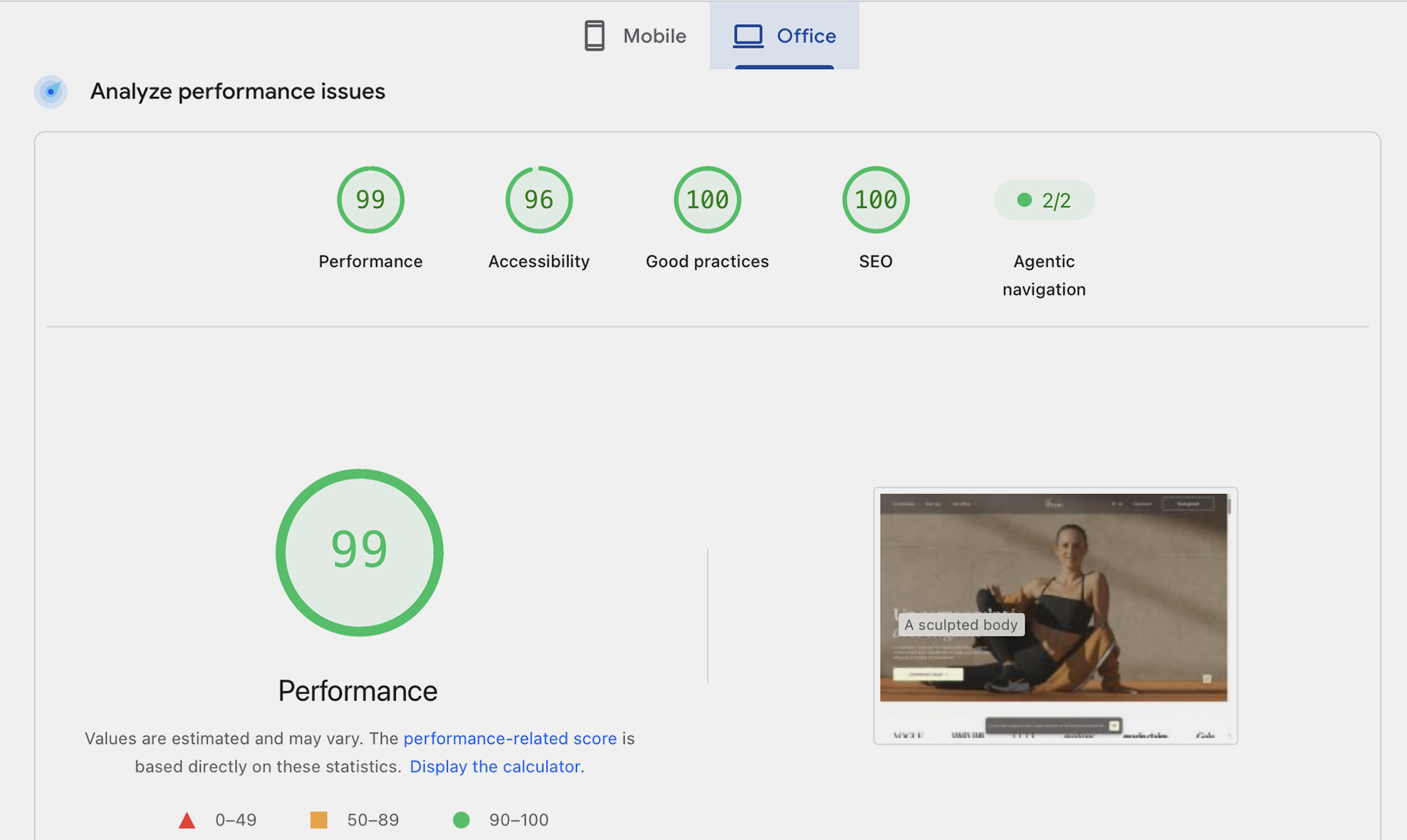
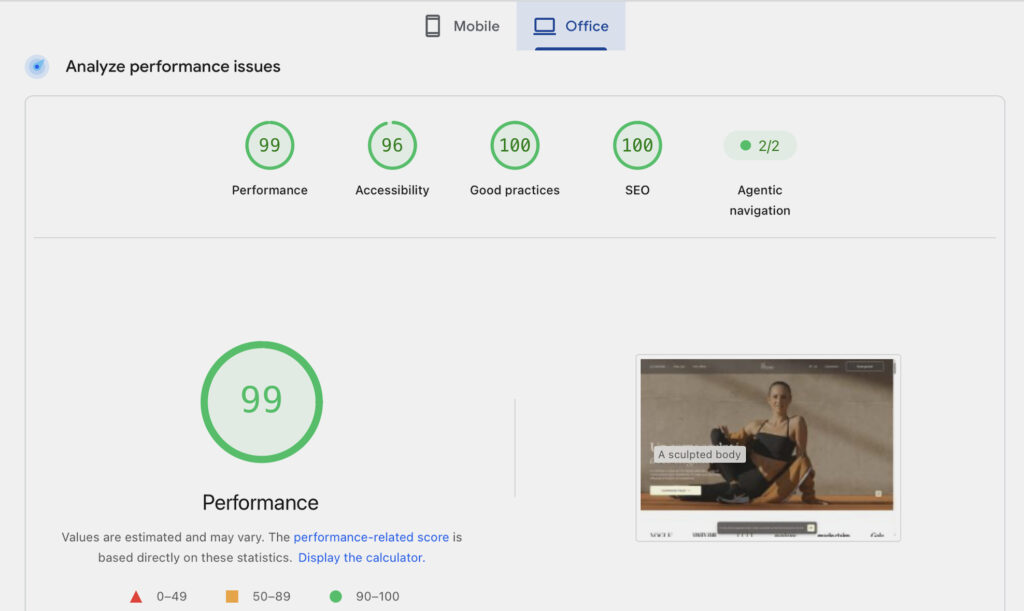
A site can be gorgeous and unusable. Google measures three indicators – the loading time of the main content, responsiveness to interactions, and visual stability – and they weigh on both SEO and conversion.
The point few agencies state clearly: this ceiling is set by the type of build, not by optimizations bolted on afterward. A generic template weighed down by a stack of extensions won’t turn green again with a caching tool. The room to maneuver was fixed the day the technical choice was made.
That’s also why animation and speed are seen as incompatible. They’re not – but they only become reconcilable in the last two categories, and only if performance was a design criterion from the very start.
That’s Colibrity Agency’s stance, and it’s more demanding than it sounds: on the sites we deliver, performance is never a final optimization phase. It shapes the design decisions upstream, which sometimes means giving up an effect that would have been spectacular.

The compliance ceiling
Three obligations are ramping up at the same time:
- Accessibility. The European Accessibility Act has come into force, and compliance with WCAG standards is becoming a requirement for a growing number of organizations. It’s no longer a best practice, it’s a legal risk.
- Data protection. Consent, traceability, genuine handling of opt-outs.
- Eco-design. Still voluntary for most private-sector players, but already expected in public procurement and by some large corporate clients.
These three subjects share one thing in common: they cost ten times less to handle at the design stage than to fix after the fact. An accessibility audit on an existing site often ends up recommending a full redesign.
The ownership and cost ceiling
This is the costliest one, and the most invisible. The right question isn’t “how much does this site cost,” but “how much will it cost to leave it.”
On closed platforms, the answer is: the price of a full redesign. You don’t migrate, you rebuild. This exit cost never appears on any initial quote, and yet it’s precisely what can make an entry-level solution more expensive than a custom build over a ten-year span.
Frequently asked questions
Can a site be both interactive and fast?
Yes, but only starting from category 5. On a generic base, animation and speed really are incompatible: the template’s weight stacks on top of the animations’ weight. On a custom build, performance is a design criterion from the start – an animation only loads where it serves a purpose, it triggers at the right moment, and it’s disabled when the device or connection can’t keep up. The constraint isn’t technical, it’s methodological.
Can you have an interactive site whose content changes, and that we can still edit ourselves?
Show more
These are two distinct needs that need to be named separately, because they don’t share the same ceiling.
- Interaction – scroll animations, 3D objects, configurators, augmented reality – requires fine-grained control over the code. Categories 1 through 3 stop at preset effects. Category 4 handles animation well, but not real-time 3D. From category 5 onward, there’s no longer a limit.
- Dynamic content – pages that update themselves, content personalized per visitor, data coming from your business tools, real-time pricing or stock levels – depends on how deeply connected you are to your systems. This is where closed platforms and no-code hit their ceiling fastest.
Combining both, with an admin panel that stays usable by a non-technical team, is the case most often underestimated. It’s perfectly achievable, but it requires the admin interface to have been designed around your actual content – not just fields bolted onto an existing template. That’s precisely the line between categories 2 and 5.
Can you have an AI redo your website?
For a prototype, an event page, or an internal tool, yes, and it’s currently the fastest way to get there. For a site that carries your brand image, holds up over several years, and connects to your business tools, generation gets you a good part of the way – but what remains is the specifics of your business, performance, accessibility, and security, which is exactly what costs time. The cost isn’t eliminated, it’s shifted from production to cleanup. The right question isn’t “is there AI in the process” – everyone has that now – but who makes the architecture decisions.
Is custom-built always better?
No. If your needs fit within a properly configured template, going custom is an added cost with nothing to show for it. It’s only justified once you need to break through a ceiling you’ve actually identified.
Should you redesign or fix the existing site?
If the problems are isolated – a few slow pages, a checkout flow that needs rework – a targeted fix costs far less. If you’re hitting a structural ceiling, a fix will only push back the deadline. The reliable signal: when every new request becomes “technically complicated,” you’ve hit the ceiling.

And now, the budget
You now know which ceiling you’re looking for. That’s the one piece of information that makes quotes actually comparable to one another.
We’ve broken down the price ranges for each of these six categories, along with the cost items that never show up on an initial quote – hosting, maintenance, subscriptions, and above all exit cost – in the companion article: How much does a website cost in 2026?
Worth Knowing
We are a French digital agency specializing in creating custom websites that drive conversions and in data management.
And much more.
Contact Us – Response within 48 hours